![Favicon-1.png]](https://help.realitymax.com/hs-fs/hubfs/Favicon-1.png?height=40&name=Favicon-1.png)
Grid
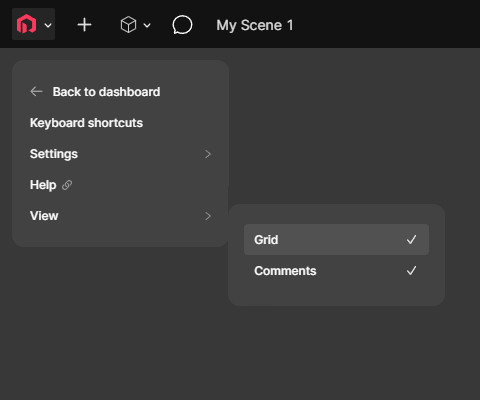
If you want to hide or show a scene's grid, click the RealityMAX logo, click View and click Grid to toggle it on or off.
Viewpoint
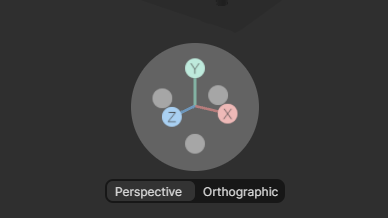
If you want to change how a scene is viewed, click either Perspective or Orthographic below the scene's gizmo. You can also rotate around a scene by moving the gizmo or view it from a specific axis by clicking its X, Y and Z buttons.
Rename
If you want to rename a scene, double-click its current name and enter a new one.

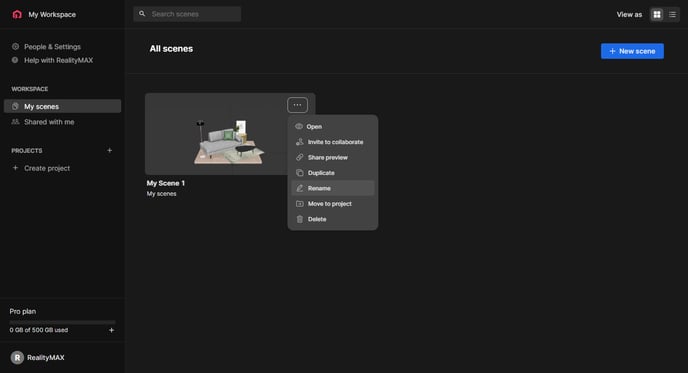
You can also rename a scene from your dashboard by clicking the scene's three-dot menu and clicking Rename.