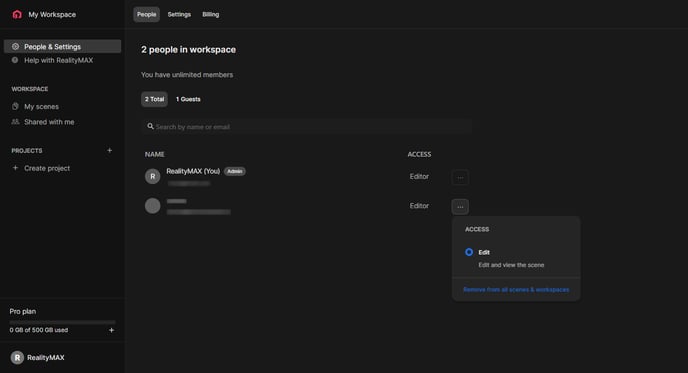
From your dashboard, click People & Settings in the sidebar. In the People tab you will see all invited users (Guests). You can edit their accesses by clicking the three-dot menu under the "Access" column.
![Favicon-1.png]](https://help.realitymax.com/hs-fs/hubfs/Favicon-1.png?height=40&name=Favicon-1.png)
From your dashboard, click People & Settings in the sidebar. In the People tab you will see all invited users (Guests). You can edit their accesses by clicking the three-dot menu under the "Access" column.