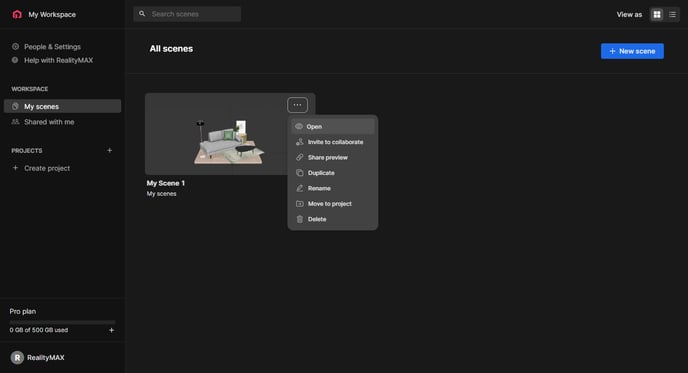
From your dashboard, click the scene you want to update or click its three-dot menu and click Open.
If you want to know how to edit your objects, click here.

From your dashboard, click the scene you want to update or click its three-dot menu and click Open.
If you want to know how to edit your objects, click here.